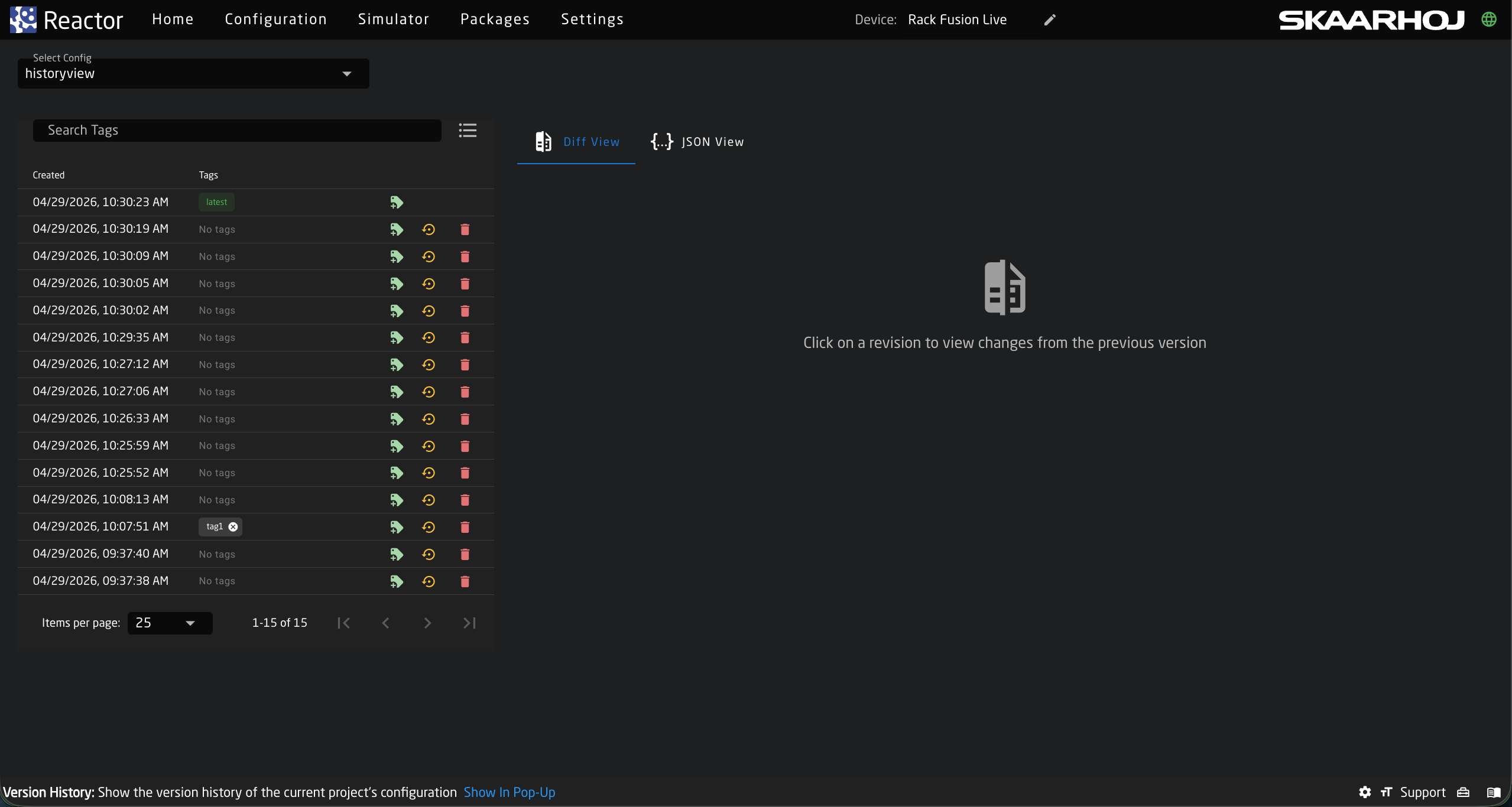
History View
The History View shows what has changed in a configuration over time and allows you to restore a previous version. Versions are kept for a limited time. Only tagged versions are kept.
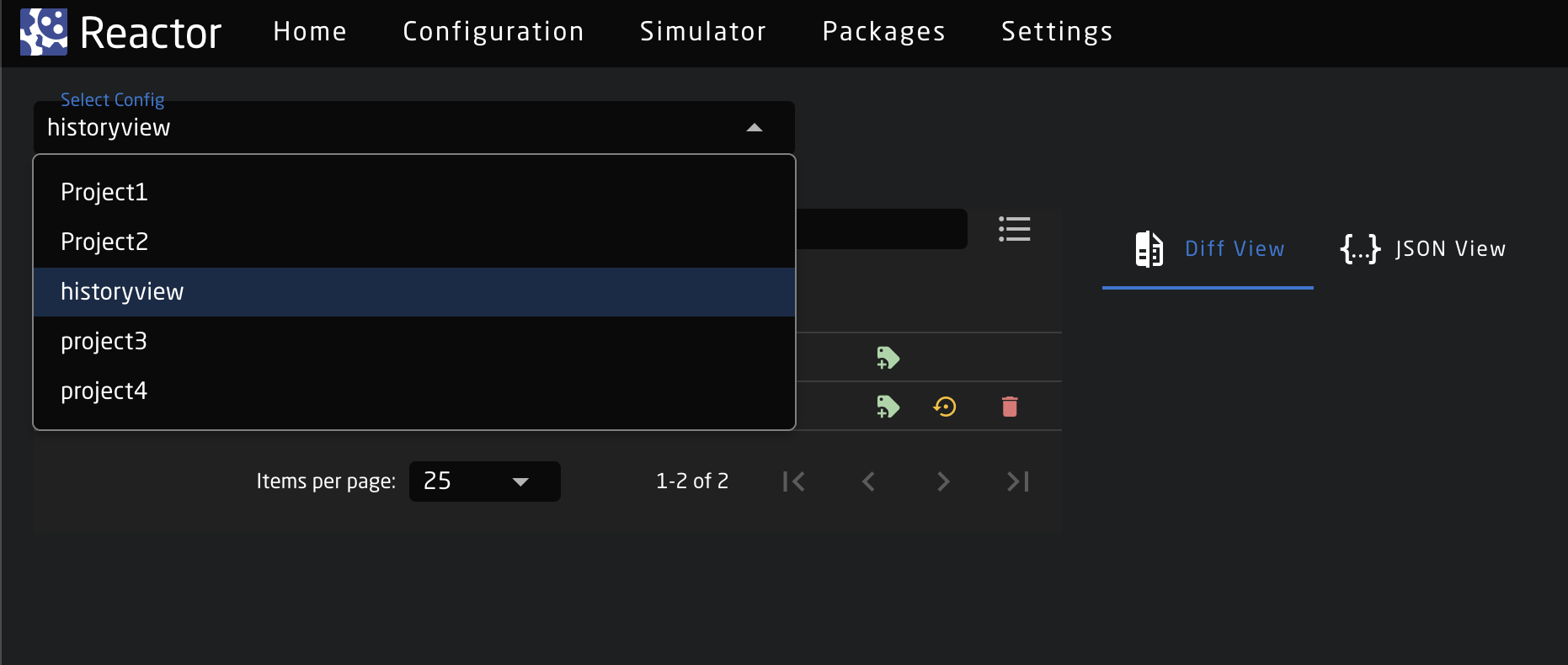
Selecting a Configuration
The Select Config dropdown allows you to choose the configuration for which you want to view version history.
Version List
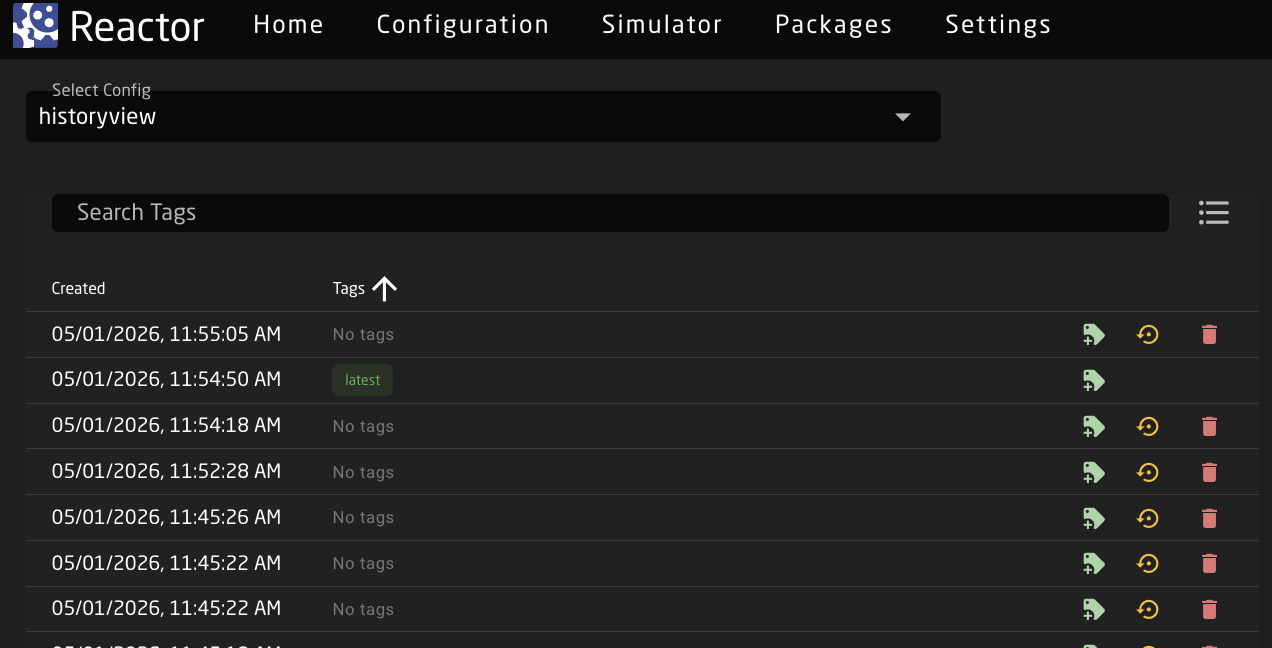
The version list shows all generated versions for the selected configuration.
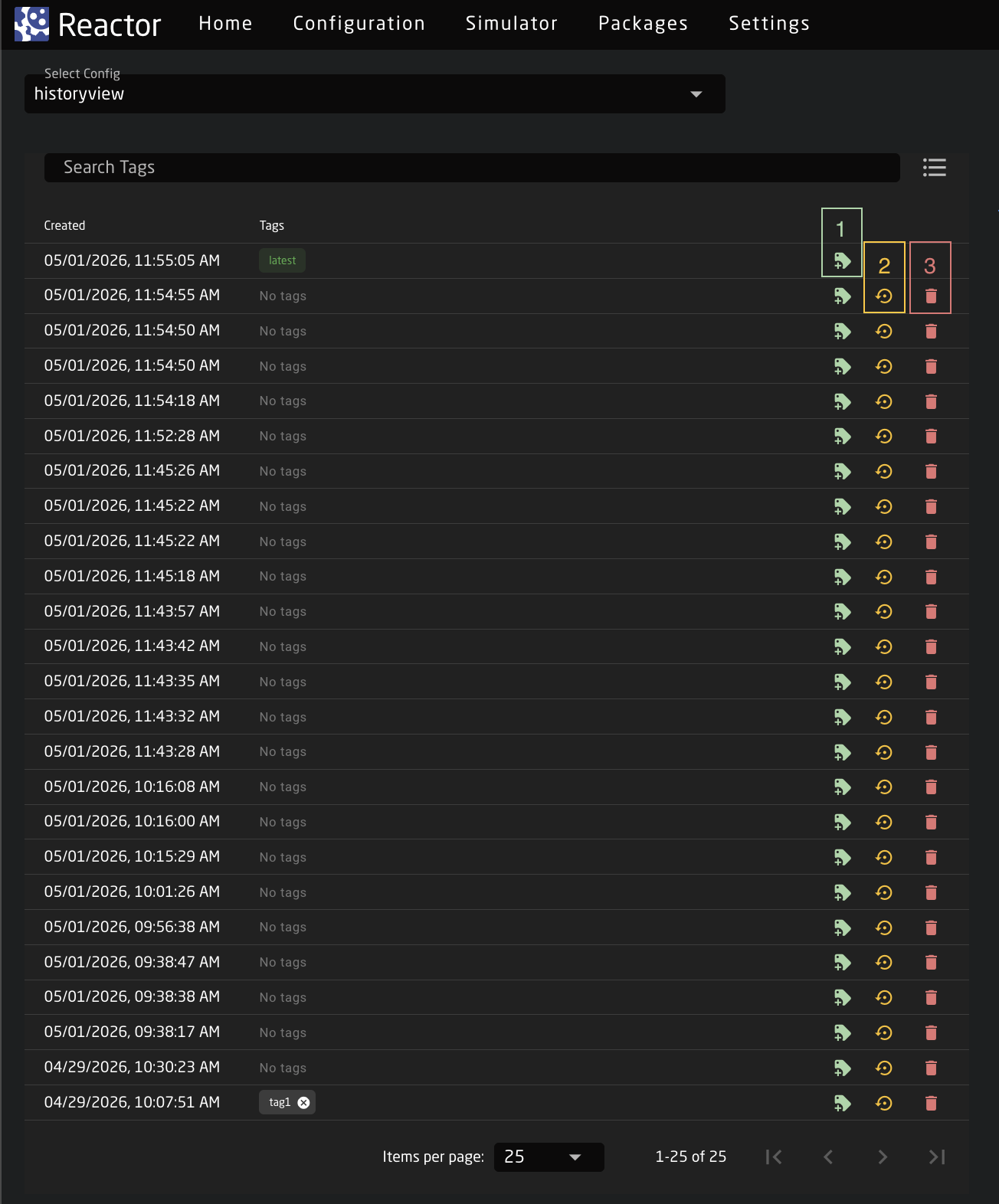
In the version list we can:
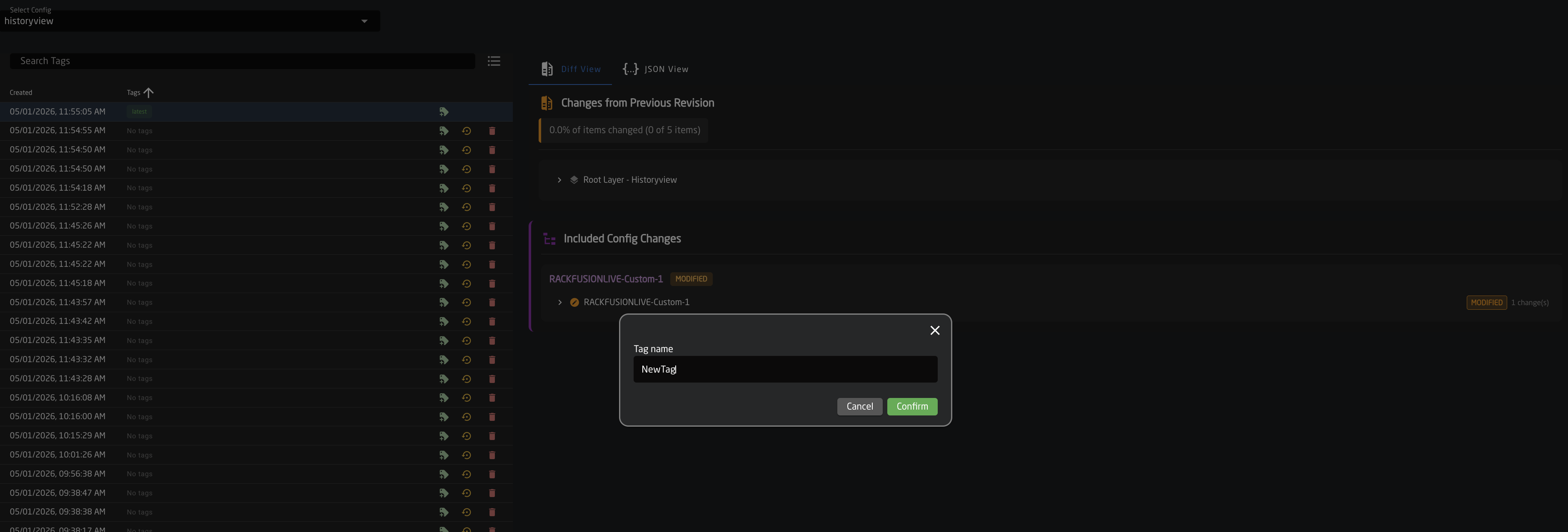
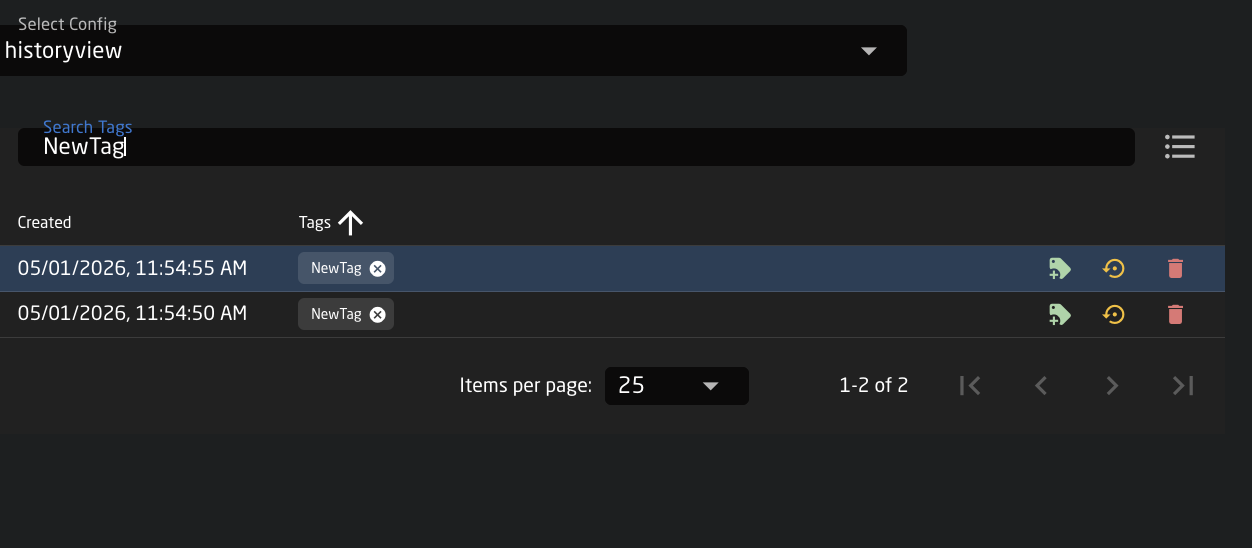
- Tag a version: We can assign a custom tag to a version. This allows us to easily find it using the Search Tags bar. It also allows us to preserve a specific version, since versions are deleted after a period of time and only tagged ones are kept.
- Set as Latest: Allows setting a version as the latest version; once marked as the latest, it becomes the base from which further work continues.
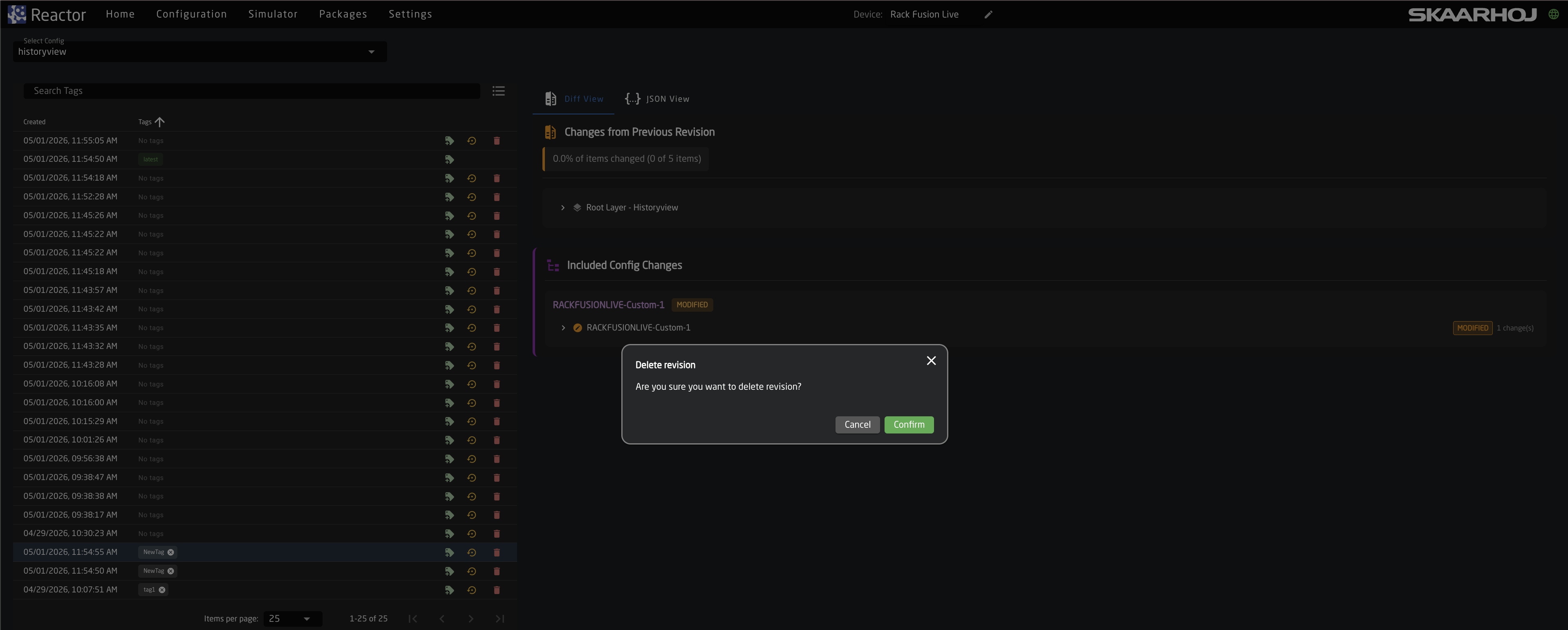
- Delete a version: Allows deleting a version from the history.
Diff View Tab - Viewing Version Details
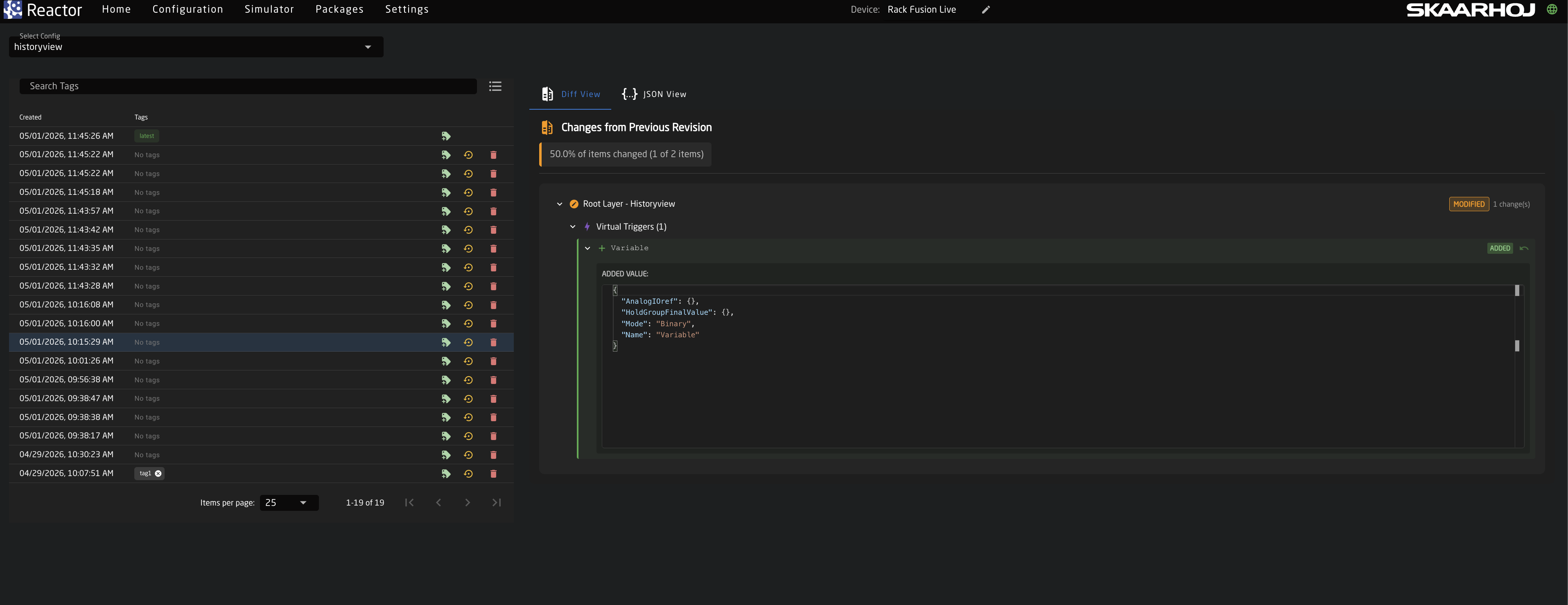
When selecting a version, we can review changes compared to the previous version.
Changes from Previous Revision
Displays whether any changes were made at the Root Layer level. If no changes were made, this section will indicate 0% differences.
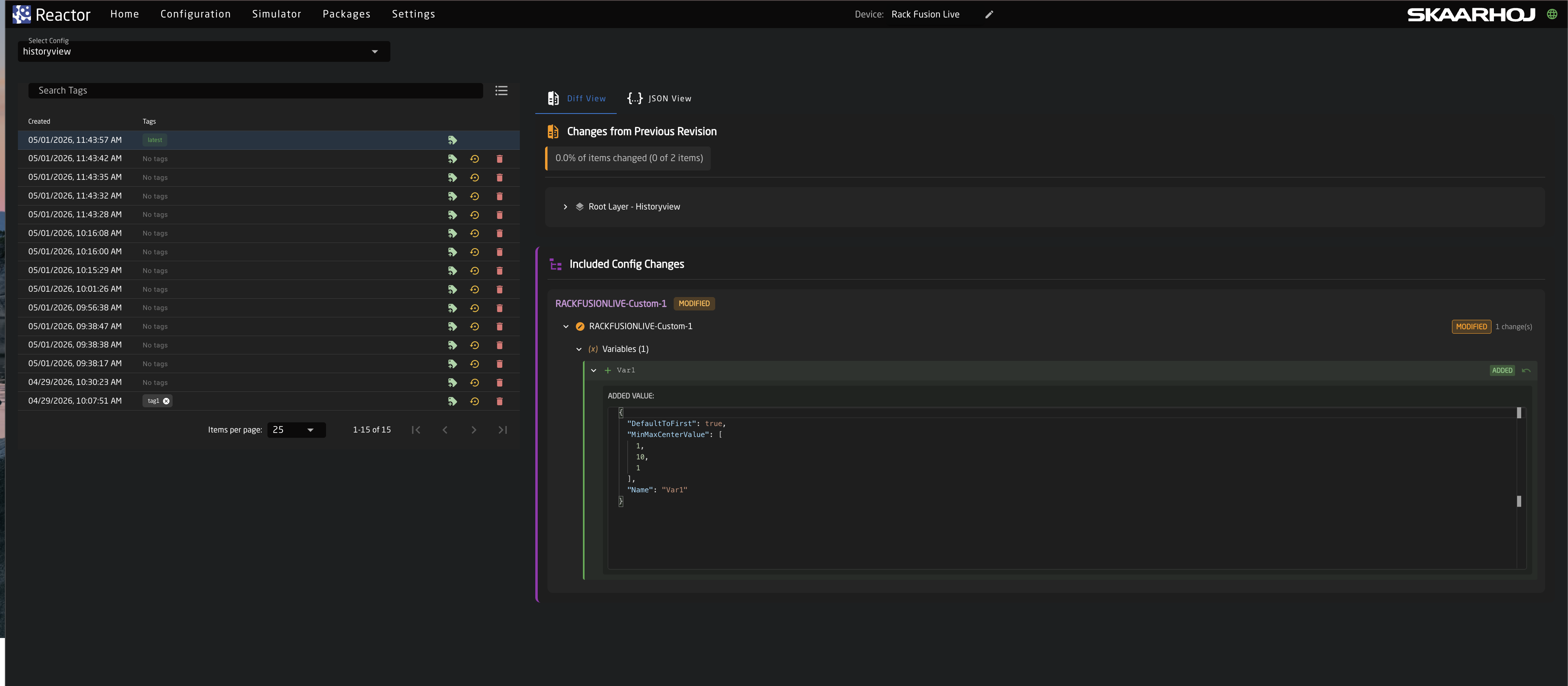
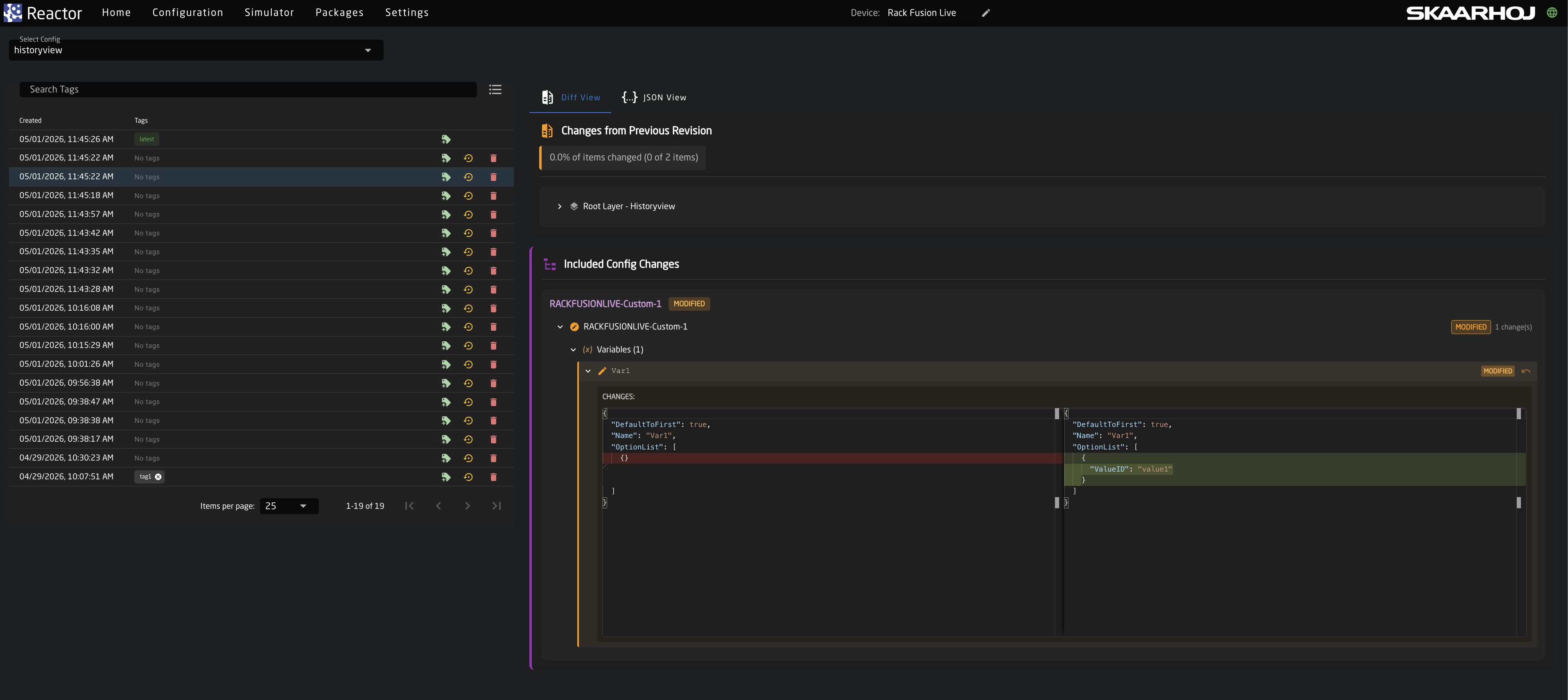
Included Config Changes
Shows detailed changes within the configuration, such as behavior modifications, adding/editing virtual triggers, and more. All these changes are from the panel layer.
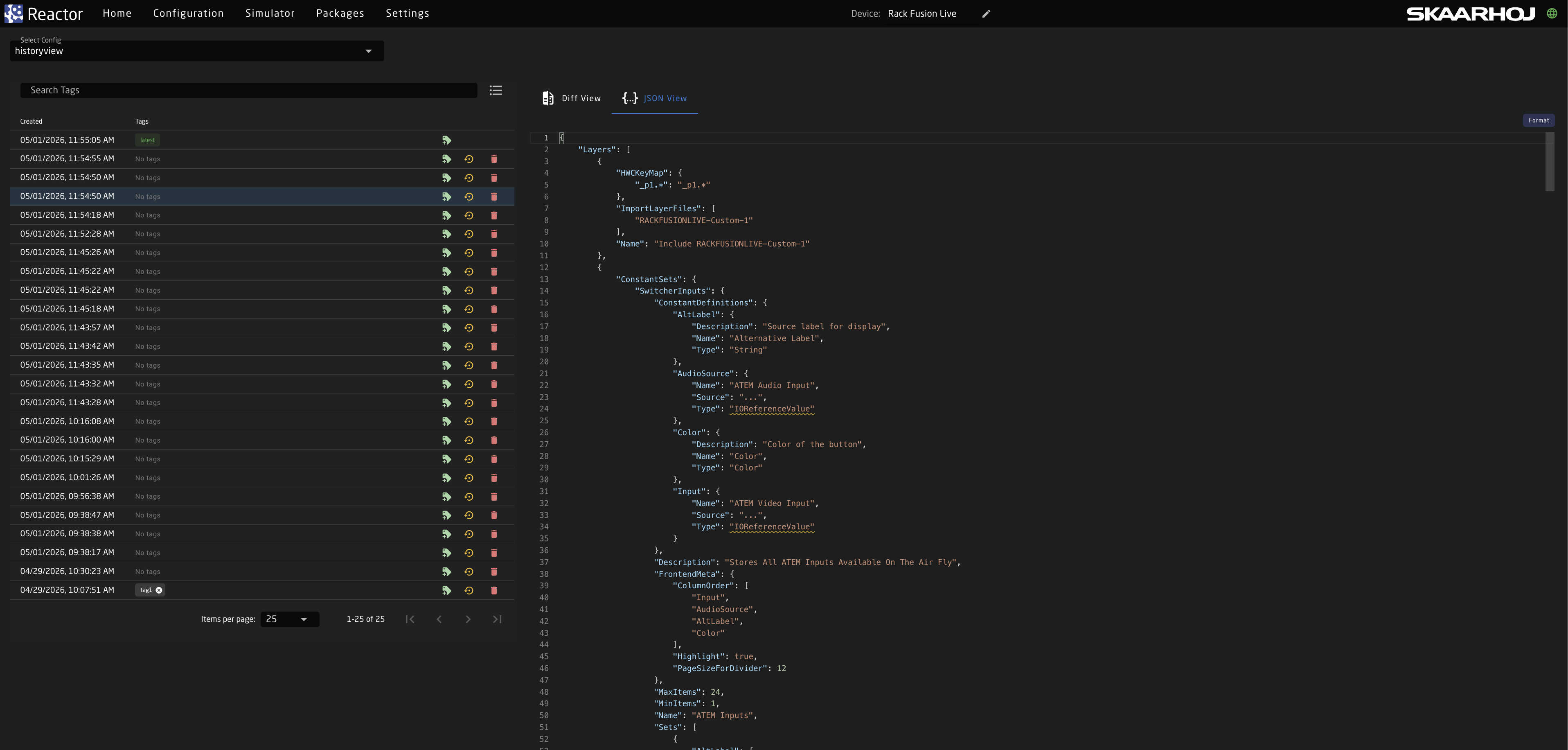
Json View Tab
In the JSON View tab, we can see the raw configuration of the root layers and the panel layers in JSON format for each version.