Serial Console Commands
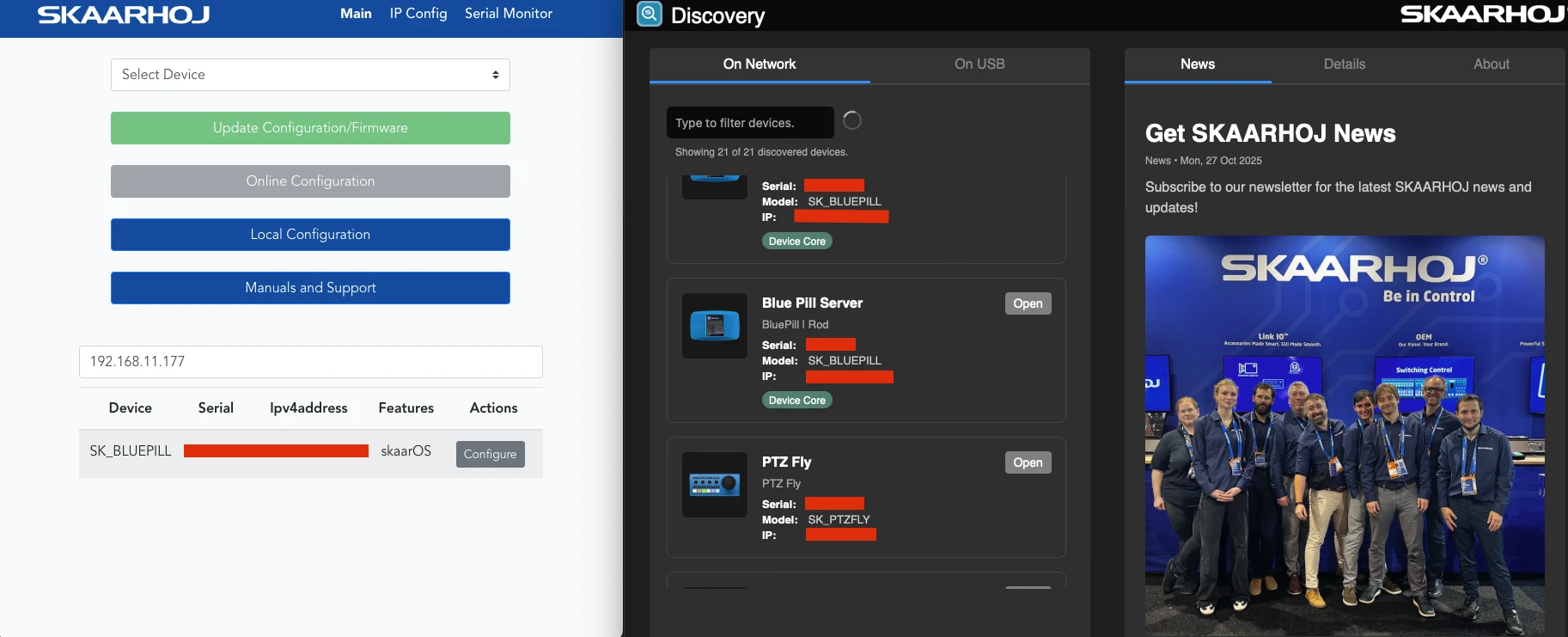
Advanced command-line interface for device configuration via USB serial. To connect simply use SKAARHOJ Updater or SKAARHOJ Discovery, open the serial monitor and start typing commands.
Command Reference
Query Commands
| Command | Response | Description |
|---|---|---|
ip=? | ip=192.168.1.100; | Get Ethernet IP address |
wifiip=? | wifiip=192.168.1.101; | Get WiFi IP address |
usbip=? | usbip=192.168.1.102; | Get USB Ethernet IP address |
mac=? | mac=AA:BB:CC:DD:EE:FF; | Get MAC addresses (Ethernet and WiFi) |
getCID | CID=skaarOS;Type;Serial;HWSerial; | Get device identification |
help | Help text | Show available commands |
Dump Commands
| Command | Description |
|---|---|
dumpIP | Export full Ethernet IP configuration |
dumpWifiIP | Export full WiFi IP configuration |
dumpUSBIP | Export full USB Ethernet IP configuration |
Network Configuration
Configure network settings using bulk mode:
- Send
bulkipto enter configuration mode - Set parameters:
ip=192.168.1.100(orip=0.0.0.0for DHCP)subnet=255.255.255.0gateway=192.168.1.1dns=8.8.8.8
- Apply with:
store(Ethernet),storewifi(WiFi), orstoreusb(USB)
System Commands
| Command | Description |
|---|---|
reboot | Reboot the device |
upgrade | Upgrade all packages to latest versions |
support=1 | Enable remote support mode |
support=0 | Disable remote support mode |
Example IP Setting Session
ip=?
ip=192.168.1.50;

getCID
CID=skaarOS;RackUnit;SK1234567;HW9876543;

bulkip
ip=192.168.10.100
subnet=255.255.255.0
gateway=192.168.10.1
dns=192.168.10.1
store
Resetting... (only network config)
Unrecognized commands return NAK.