Device Settings
The Settings page provides configuration options for network, security, and system features.
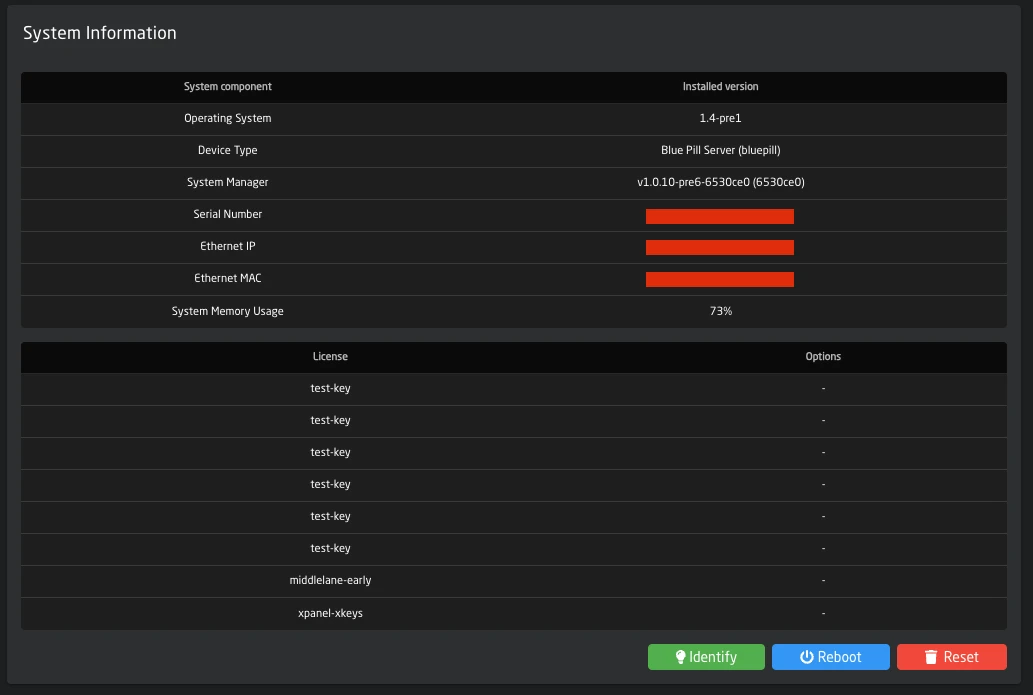
System Information
At the top of the Settings page:
| Button | Action |
|---|---|
| System Stats | Opens system stats (top output, temperature, throttle, clock) in a new tab |
| Identify | Lights up the LED next to the config button for device identification |
| Reboot | Restarts the device completely |
Network Configuration
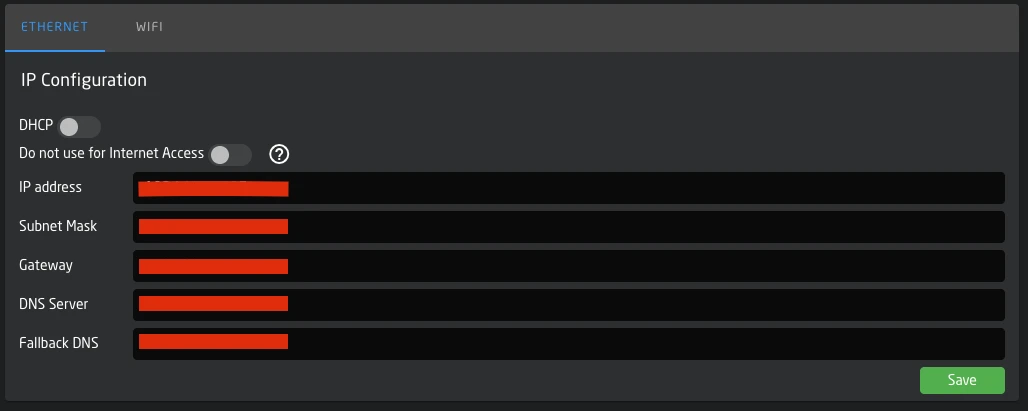
Ethernet
Configure the primary network interface:
| Setting | Description |
|---|---|
| DHCP | Enable automatic IP assignment |
| IP Address | Static IPv4 address (when DHCP off) |
| Subnet Mask | Network subnet |
| Gateway | Default gateway |
| DNS Server | Primary DNS |
| Fallback DNS | Secondary DNS |
| Do not use for Internet | Prevent this interface from being used for internet access, useful if the default order of devices does not match whats needed |
WiFi
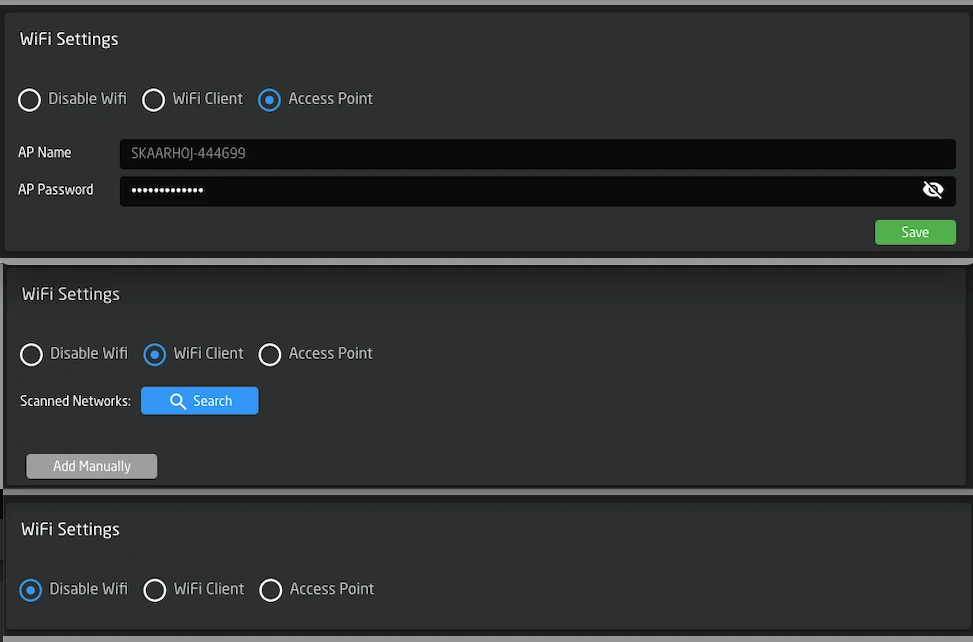
WiFi can operate in three modes:
Disabled: WiFi radio is off.
Client Mode: Connect to an existing WiFi network.
- Use Scan Networks to find available networks
- Click a network to select it and enter the password
- View and manage saved networks
Access Point Mode: Device creates a hotspot.
- AP Name: Automatically set to
SKAARHOJ-[SerialNumber] - AP Password: Customizable (8-63 characters)
- IP Range: The device will be available on 192.168.4.1/24. A DHCP Server in the device will give out addresses in this range
IP configuration options are the same as Ethernet.
USB Ethernet
If available, USB Ethernet can be configured with the same options as the primary Ethernet interface.
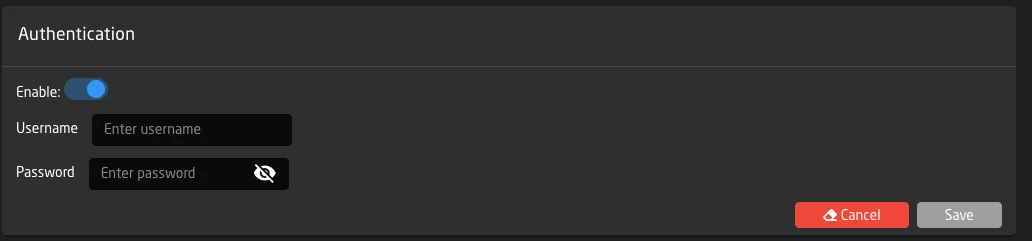
Authentication
Enable web interface authentication:
| Setting | Description |
|---|---|
| Enable | Turn authentication on/off |
| Username | Login username |
| Password | Login password |
When enabled, users must authenticate to access the web interface.
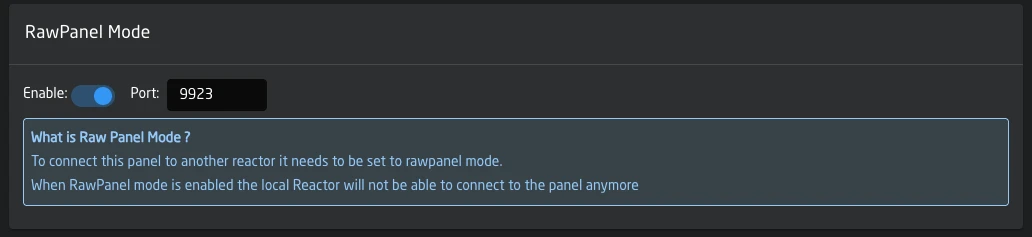
Raw Panel Mode
Allows connecting the panel to an external reactor instance.
| Setting | Description |
|---|---|
| Enable | Activate raw panel mode |
| Port | Listening port (default: 9932) |
When enabled, the local reactor connection is disabled.
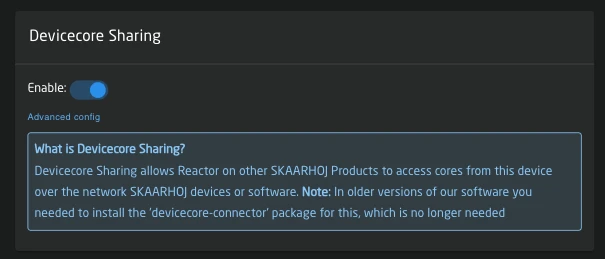
Devicecore Sharing
Share device cores over the network for access by other SKAARHOJ devices. This functionality is built in to system-manager and replaces the legacy "devicecore-connector" package
| Setting | Description |
|---|---|
| Enable | Activate device core connector |
| Advanced Config | Link to detailed configuration (when enabled), here you can define which cores are allowed access to and if they should have individual authentication |
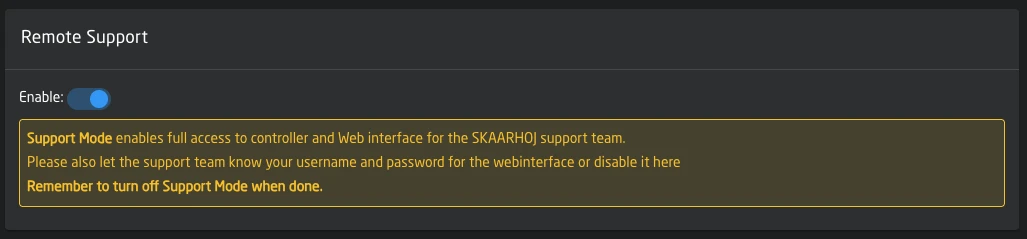
Remote Support
Grant SKAARHOJ support team access to your device for troubleshooting.
| Setting | Description |
|---|---|
| Enable | Turn on remote support access |
When enabling, you must accept the remote support agreement. Remember to disable after the support session.
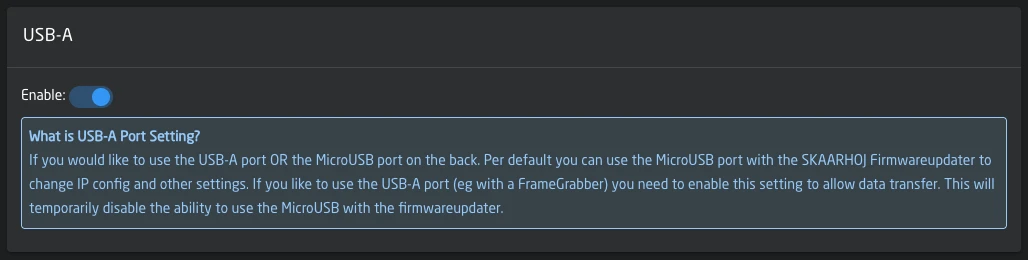
USB-A Port
Note: Not all devices have a USBA port
Toggle between USB-A port functionality and MicroUSB firmware updater:
| Setting | Description |
|---|---|
| Enable | Use USB-A port (disables MicroUSB firmware updater) |
Date and Time
| Setting | Description |
|---|---|
| Date/Time | Current device time (click Edit to change) |
| Timezone | Select from dropdown or use auto-detected timezone |

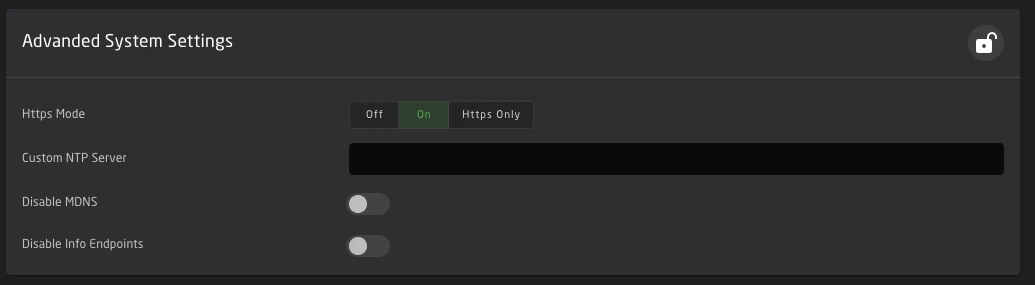
Advanced Settings
These settings are locked by default. Click the lock icon to edit.
| Setting | Description |
|---|---|
| HTTPS Mode | Off / On (HTTP+HTTPS) / HTTPS Only |
| Custom NTP Server | Override default time server |
| Disable mDNS | Turn off multicast DNS service |
| Disable Info Endpoints | Turn off information endpoints |
Use caution when modifying advanced settings.